
.NET for embedded products
A royalty-free embedded operating system with a tiny Common Language Runtime. Write C# in Visual Studio, debug with real breakpoints, deploy from a single click.
- C# in Visual Studio
- Real step debugging
- .NET Ecosystem
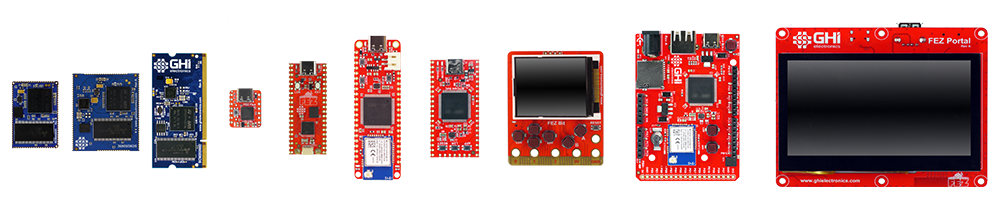
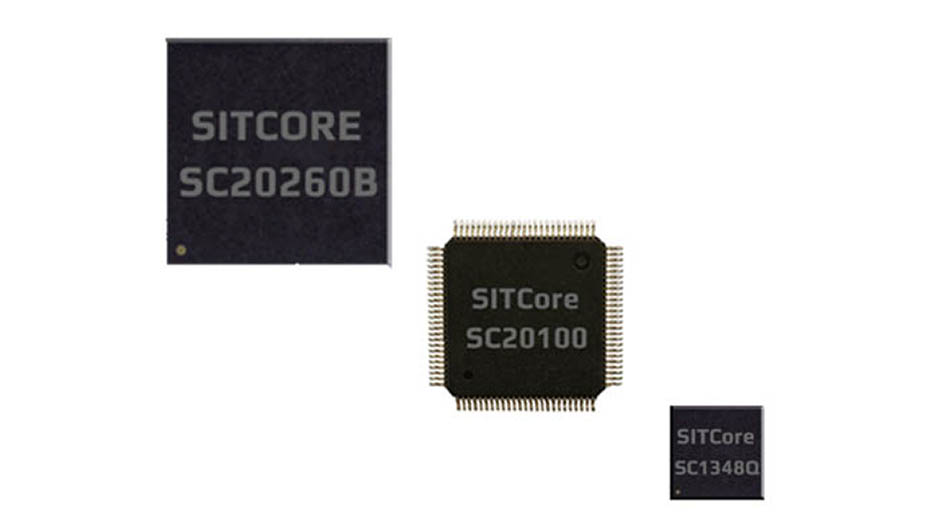
Runs on the SITCore family of secure embedded hardware.
Chipsets, modules, and single-board computers.
Why TinyCLR?
using System.Device.Gpio;
using System.Threading;
using GHIElectronics.TinyCLR.Pins;

// Activate (open) the LED pin
using GpioController controller = new GpioController();
controller.OpenPin(FEZFlea.GpioPin.Led, PinMode.Output);

while (true)
{
    // Turn the LED ON
    controller.Write(FEZFlea.GpioPin.Led, PinValue.High);
    Thread.Sleep(500);

    // Turn the LED OFF
    controller.Write(FEZFlea.GpioPin.Led, PinValue.Low);
    Thread.Sleep(500);
}
Real C# on real embedded hardware
- Code in Visual Studio
- Debug with breakpoints, step-through, and locals
- NuGet the libraries you need
- Deploy over a USB cable
- Throw exceptions you can actually catch
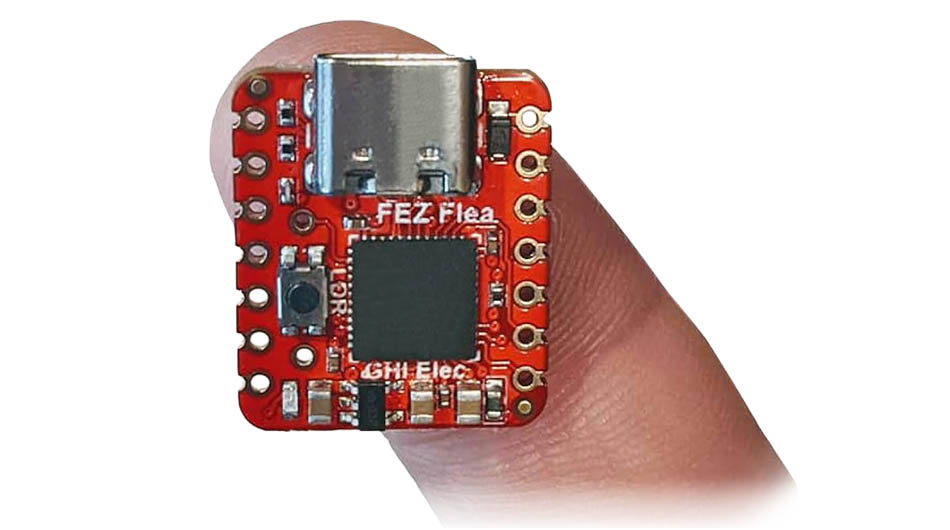
The same workflow you use for your day job — running on a chip you can hold between two fingers.
How TinyCLR compares
Trade-offs at a glance — here's where TinyCLR fits.
| TinyCLR on SITCore | Bare-metal C / RTOS | Embedded Linux | |
|---|---|---|---|
| Primary language | C# | C / C++ | Any |
| IDE | Visual Studio | Toolchain-specific | Various |
| Step debugging | ✓ out of the box | Requires JTAG + setup | Possible |
| Memory management | Garbage collected | Manual | Mixed |
| Security stack (TLS, secure boot, IP protection) | Built in | Roll your own | Add packages |
| Cloud SDKs (Azure, AWS, Google) | Native | Roll your own | Add SDKs |
| Target hardware | Microcontroller | Microcontroller | Application processor |
| Real-time guarantees | Not an RTOS | RTOS | Hybrid |
| Typical time to first blink | Minutes | Hours | Hours+ |
Choose your hardware
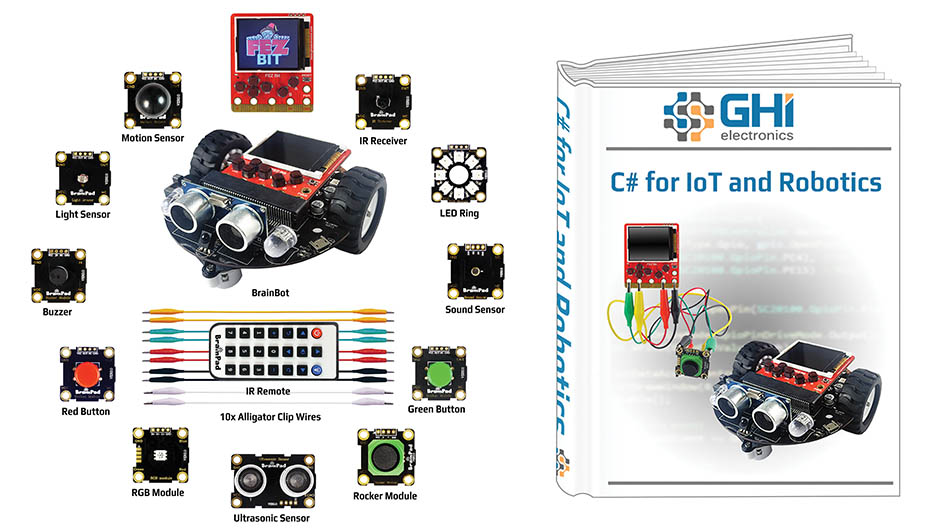
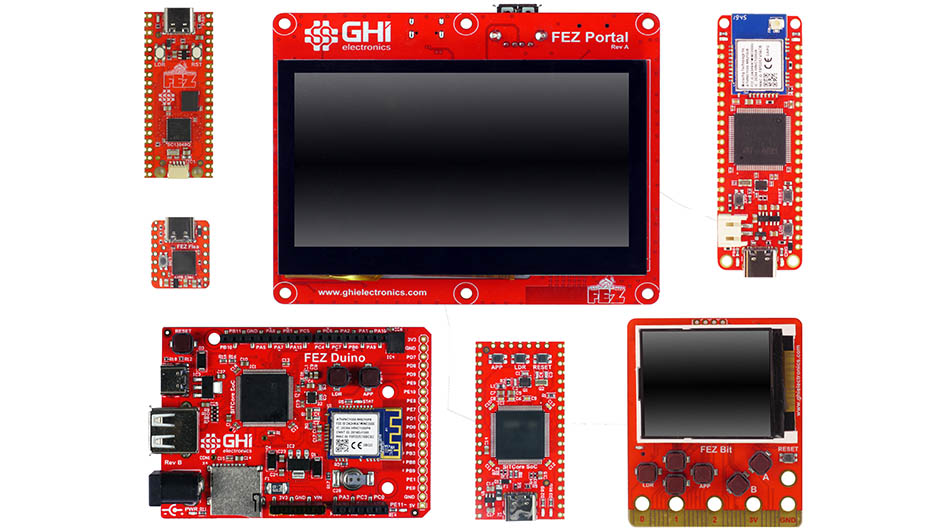
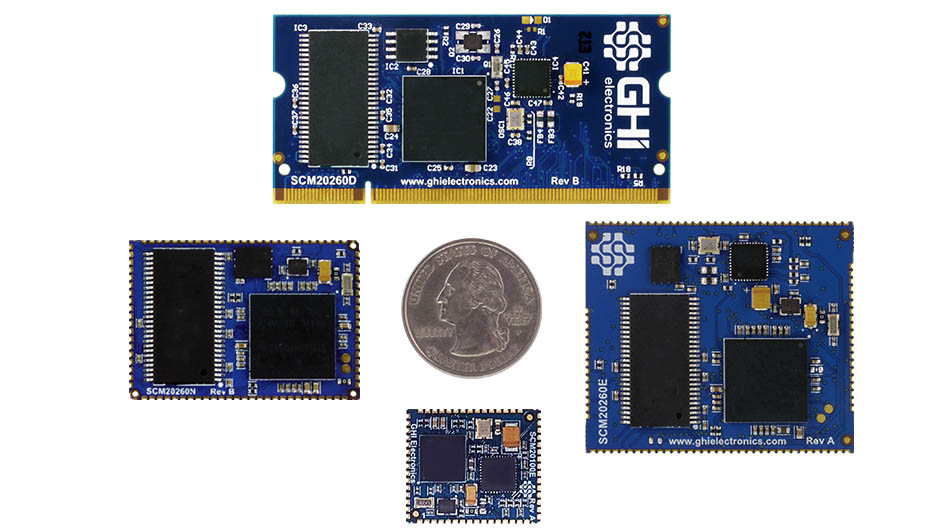
Same C# code, same runtime, same debugging — across every form factor in the SITCore family. Pick what fits your product.
Just evaluating?
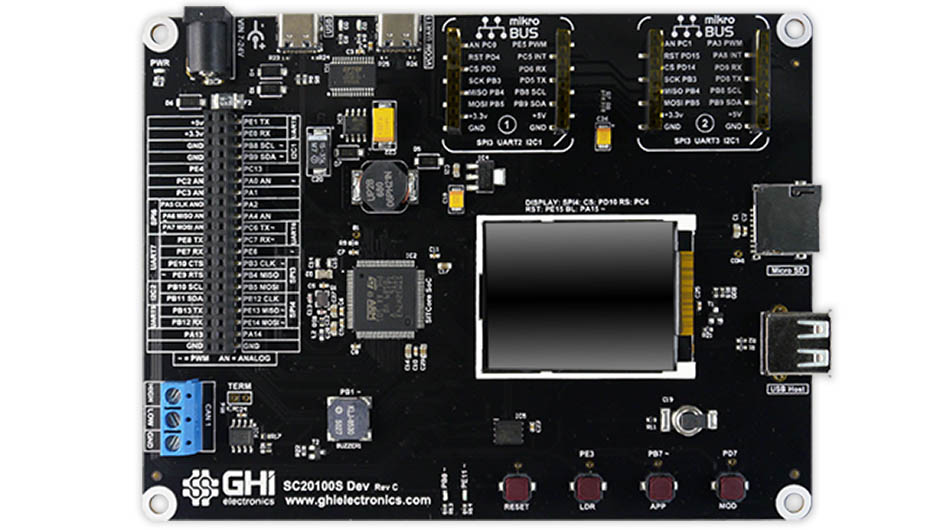
Building a product?
What's in the runtime
Everything you'd expect from .NET. Click any feature to jump to its docs.
Core features
World-class security
Cloud & networking
Hardware control
Multimedia ready
Drop in native ARM code — called from C#
Runtime Loadable Procedures (RLP) are the embedded equivalent of calling a native DLL from desktop .NET — you keep writing your application in C#, and drop into compiled native code for the parts that need raw speed. The native code loads as an ELF blob at runtime, with no firmware rebuild required.
Built for the products that ship
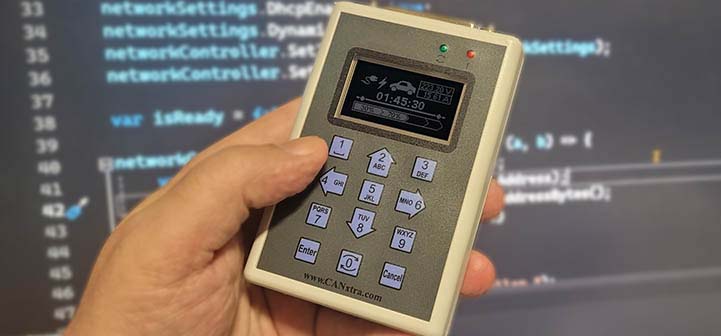
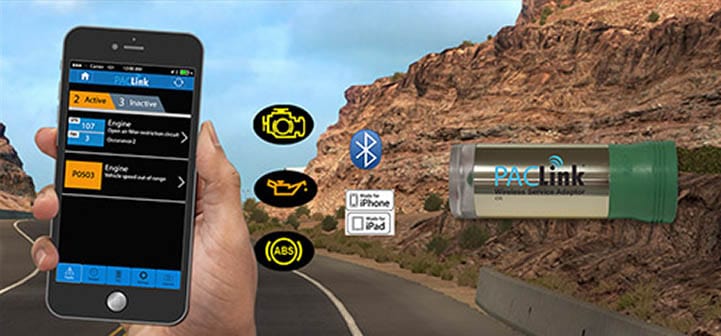
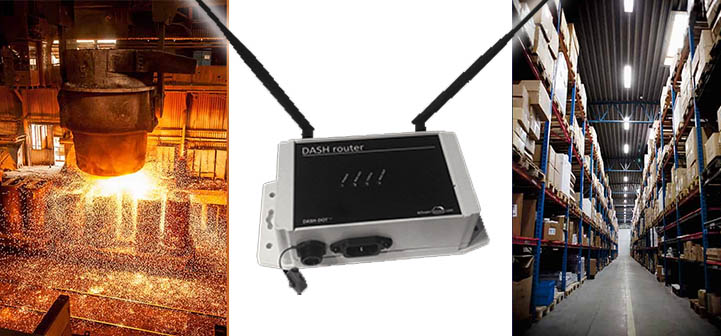
From self-service kiosks to fleet diagnostics, TinyCLR lives inside the products real businesses rely on every day. See real applications in our showcase →



From your C# code to a shipped product
Whatever depth of help you need. Buy SITCore off the shelf and ship — or bring in our engineers and our manufacturing line as far as it makes sense for your project.
Ready to build?
Two ways forward — head to the docs to start building, or talk to us about your project.